Presence-based lighting and climate
Switch off lighting and fan coil units using motion or presence sensor signals.
Smart office · Room booking
Bring room availability, meeting schedules and room preparation into one system. From booking in a browser to automating lighting, climate and privacy.
Booking system
+20 ppHow it works
An employee books a meeting room in the web app.
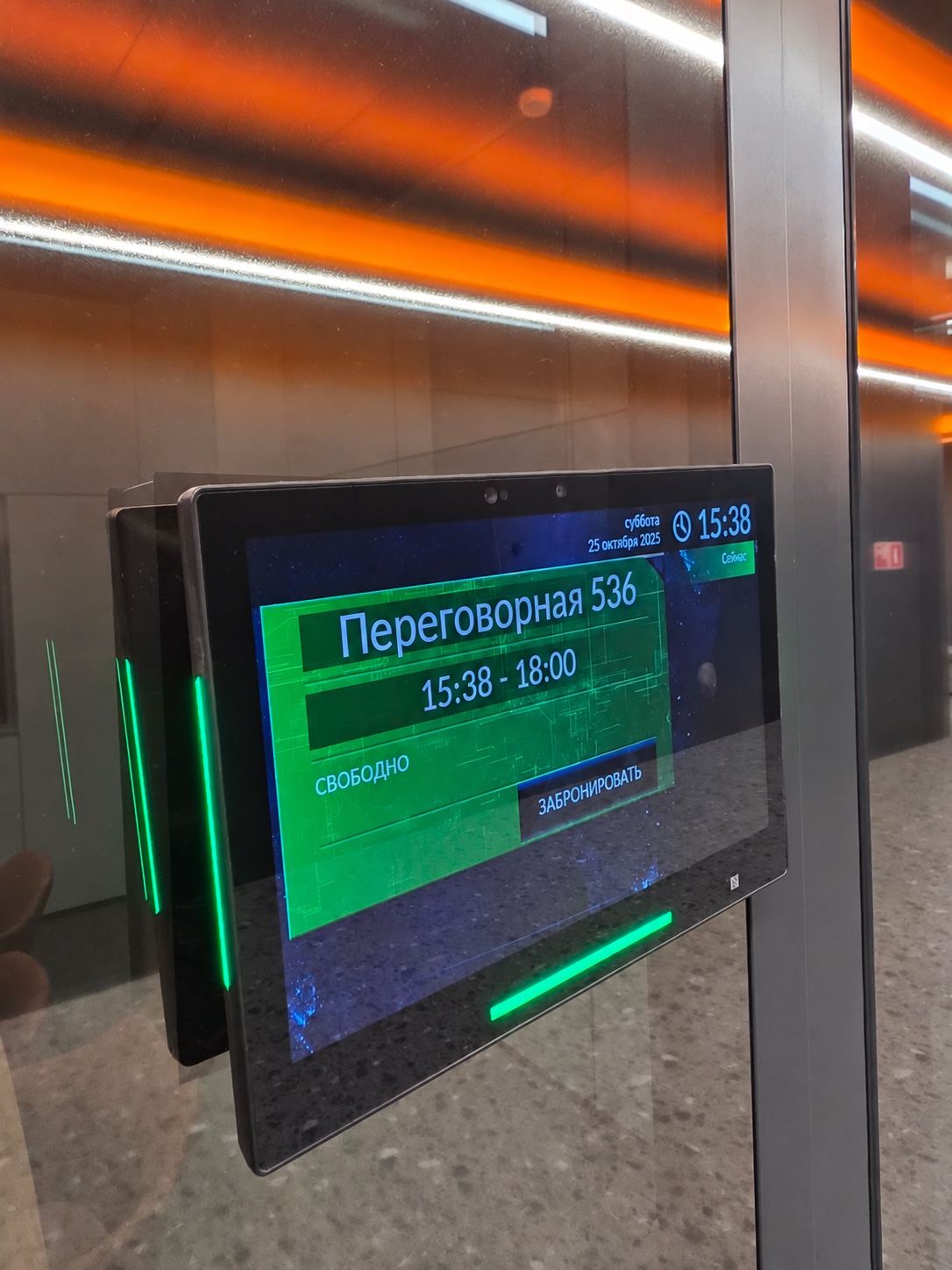
The meeting room tablet shows the meeting and available time slots.
Connected systems prepare the room’s climate and privacy for the meeting.
Presence sensors help switch off lighting and the fan coil in an empty room.
Lighting, climate and partition control require integration with the corresponding building systems.
A view across your meeting rooms
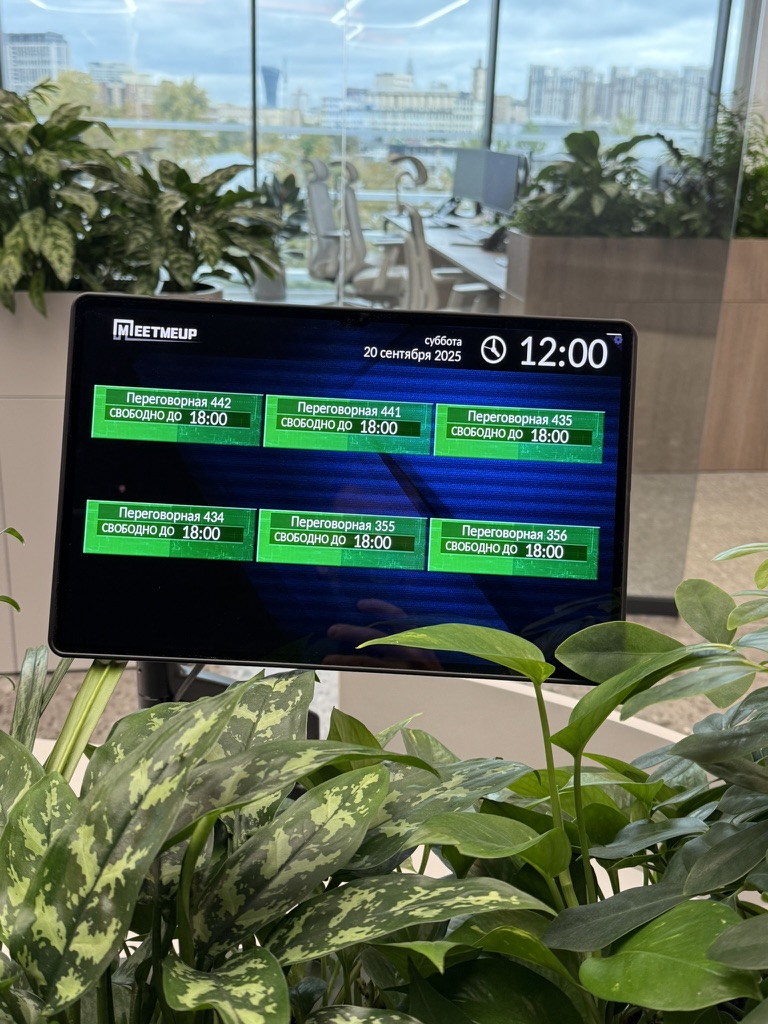
A shared display helps people find available rooms. At each door, a panel shows the detailed schedule: the current meeting, its end time and available slots.
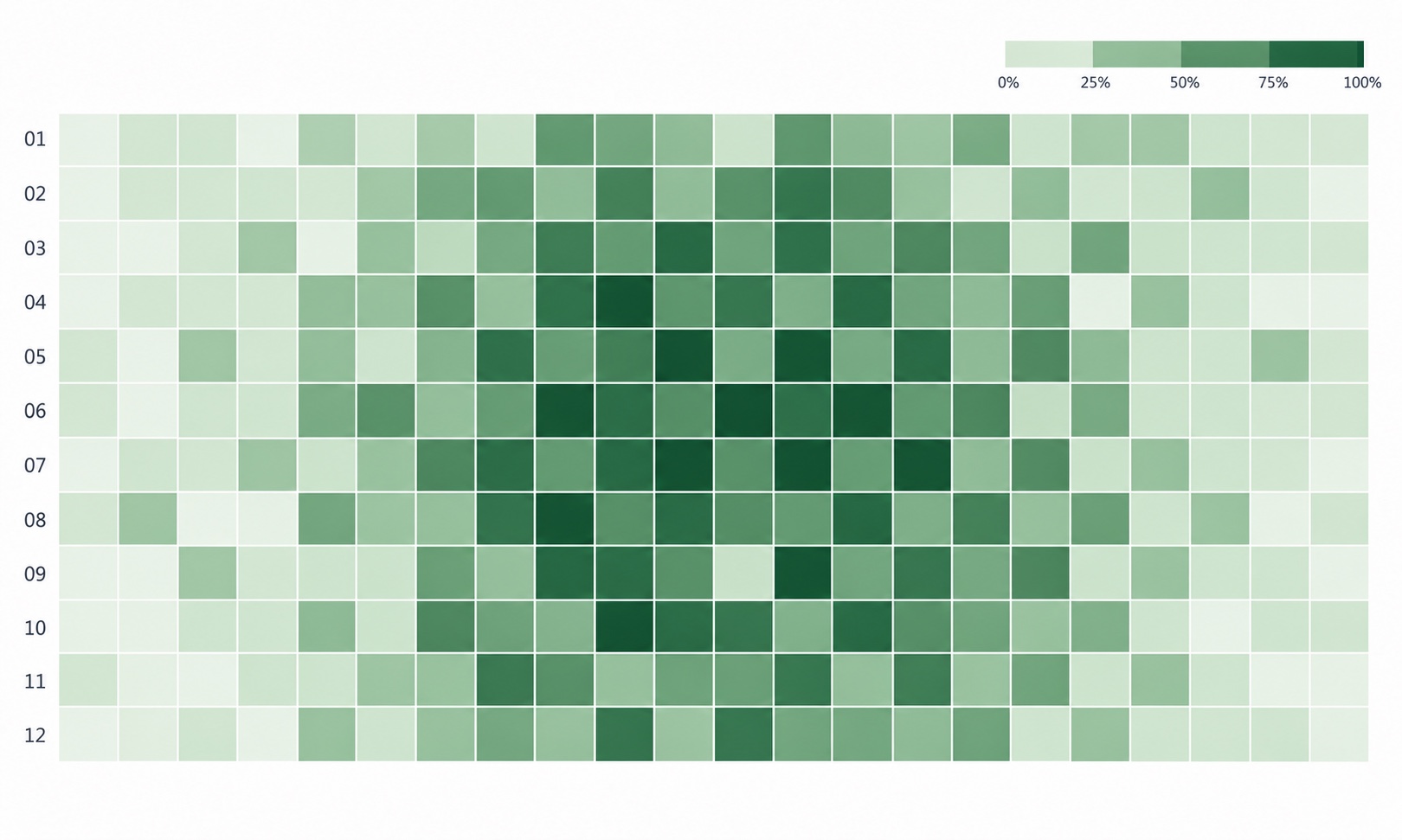
Color shows room occupancy by day. Report availability depends on the selected system option.
Use cases
The meeting schedule supports convenient room use and integration with building systems.
Switch off lighting and fan coil units using motion or presence sensor signals.
A shared meeting schedule on a large display shows meeting room availability.
Voice assistants in the meeting room, with integration into the selected system.
Employees select a time and book a meeting room through a web app.
A display outside the room shows the current meeting, its end time and available booking slots.
Glass darkens automatically when a scheduled meeting starts, if the partitions support this feature.
Ventilate and prepare the room for a meeting or delegation through integration with related building systems.
Display scheduled meetings alongside temperature, humidity and CO₂ readings when the relevant sensors are connected.
Implementation options
Compare deployment, integrations, interfaces and automation. Feature sets differ: choose according to your office needs and infrastructure.
Scroll sideways to compare all options.
| System capabilitiesFeatures included in each option | ComfortWeb and mobile apps, SSO, QR booking and analytics with a usage heatmap. | BusinessA broad range of calendar integrations, meeting confirmation, automatic cancellation and five built-in themes. | PremiumBrowser access, SSO, QR booking, meeting automation and custom branding. |
|---|---|---|---|
| Deployment and support | |||
| Manufacturer in Russia | Yes | Yes | Yes |
| Listed in the Russian software register | Yes | Yes | Yes |
| Cloud deployment | SberCloud, compliance with Federal Law 152-FZ | Yes | Selectel, Yandex |
| On-premise deployment | Yes | Yes | Yes, Astra Linux certificate available |
| Availability and delivery lead time | Available | Available | Available |
| Support and service in Russia | Yes | Yes | Yes |
| Cross-platform: Android, iOS, Windows, Linux | Windows | Yes | Yes |
| Integrations and access | |||
| SSO sign-in: Google, Microsoft, Apple | Yes | No | Yes |
| Microsoft AD and Google Workspace integration | Yes | No | Yes |
| Corporate calendar sync | MS Exchange, Outlook, Google | MS Exchange, MS Office 365, VK Calendar, Yandex Calendar, Google Calendar, Bitrix, RuPost, CommuniGate Pro | MS Outlook, Google, Bitrix |
| Resource calendar integration | Yes | Yes | Yes |
| Multiple domain support | No | Yes | Yes |
| Own API | No | Yes | Yes |
| Booking and meeting management | |||
| iOS and Android mobile apps | Yes | Yes | No |
| QR code check-in and booking | Yes | No | Yes |
| Connect meeting room occupancy displays | Yes | Yes | Yes |
| Unified dashboard for all meeting rooms | Yes | Yes | Yes |
| Occupancy display outside each room | Yes | Yes | Yes |
| Confidential mode: hide meeting titles on selected displays | No | Yes | Yes |
| Meeting confirmation before start | No | Yes | Yes |
| Automatically cancel meetings when motion or presence sensors detect an empty room | No | Yes | Yes |
| Support for illuminated devices | No | Yes | Yes |
| Analytics | |||
| Room usage reports and analytics | Yes | Yes | Yes |
| Meeting room usage heatmap | Yes | No | Yes |
| Design and branding | |||
| Design customization | Yes | Yes | Yes |
| Built-in themes | No | Yes, 5 themes | Yes |
| Custom theme based on brand guidelines | No | Yes | Yes |
| Company logo placement | No | Yes | Yes |
From requirements to a solution
Tell us how many rooms you have, which calendars you use and the scenarios you need. We will recommend the system, equipment and integrations.